Furniture tracking for busy offices: stop losing chairs (and money)
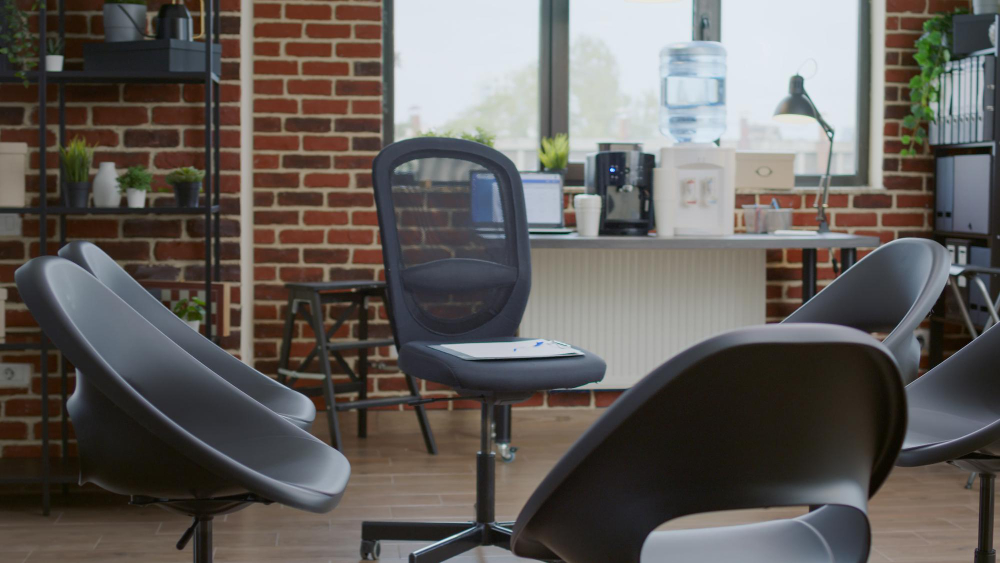
If you’ve ever ordered “just a few more chairs” and then discovered a whole stack in storage… this one’s for you.
Furniture tracking is one of those facilities tasks that feels optional, until you expand, rearrange floors, or open a new location. Then suddenly you’re buying duplicates, moving desks without records, and playing guessing games about what’s in storage.
A lightweight furniture tracking process (paired with the right asset management software) helps you answer:
- How many desks/chairs do we have, and what condition are they in?
- What’s assigned to each room or team?
- What’s in storage, and what’s surplus?
1) Track furniture by “unit,” not by vague purchase orders
One common pitfall: treating furniture as a line item (“40 chairs”) instead of trackable units that move around. Many organizations tag and track furniture so it can be identified later, even when it’s relocated.
If you buy modular furniture, consider tagging at the assembled-unit level so the set stays together and you can value it consistently.
2) Use a simple category system
You don’t need a complicated taxonomy. A practical starting point looks like:
- Chairs (task chair, guest chair, stool)
- Desks (sit/stand, fixed)
- Meeting room assets (tables, whiteboards, credenzas)
- Storage (cabinets, lockers)
- Reception/common areas
Within each category, capture a few useful fields: brand/model (optional), size, color/finish (helps visually), condition, and assigned location.
3) Make “moves” a first-class event
Most furniture loss isn’t theft—it’s moves. Departments swap items, contractors relocate desks, and nobody updates the spreadsheet. Solve that by treating a move like a tiny workflow:
- From room → To room
- Date/time
- Requested by / approved by
- Photos (optional but helpful)
This is where asset tracking software shines: scanning a tag during a move is faster than asking 6 people to “remember to update the sheet.”
4) Do room-by-room audits (they’re faster than you think)
Instead of “annual inventory day” chaos, do quick, rotating audits:
- Pick one area each week (e.g., 2 meeting rooms + nearby storage)
- Scan tags, update condition notes, and fix any mismatches
- Mark missing items for follow-up
Small audits catch problems early and keep your data believable.
5) Build a sane surplus process
Furniture piles up when nobody knows what’s available. Many universities run formal surplus processes to encourage reuse and reduce costs: list available items, allow internal departments to claim them, then decide on donation/disposal.
Even as a mid-size business, you can copy the idea:
- Create a “Surplus” location in your system
- Tag items as surplus with condition + photos
- Give teams a way to request items before buying new
How Bulbthings helps
Bulbthings is the AI, all-in-one asset management platform for growing businesses. Use it as your system of record for desks, chairs, meeting room assets, and storage, so moves, audits, and surplus don’t live in someone’s head.
Want a clean, searchable furniture inventory? Start with Bulbthings and tag your first room in under an hour. Try Bulbthings.
https://www.millersville.edu/accounting/procedures/fixedassets.phphttps://adminfinance.okstate.edu/site-files/documents/policies/inventory-of-fixed-assets.pdfhttps://www.nyu.edu/about/policies-guidelines-compliance/policies-and-guidelines/asset-management-polices-and-procedures.html